Automatically Save & Export Contacts From Any Apps
Automatically detect phone numbers from your chats and other apps, review and save them as contacts, or export multiple numbers in seconds. A faster way to manage repetitive contact tasks on Android.
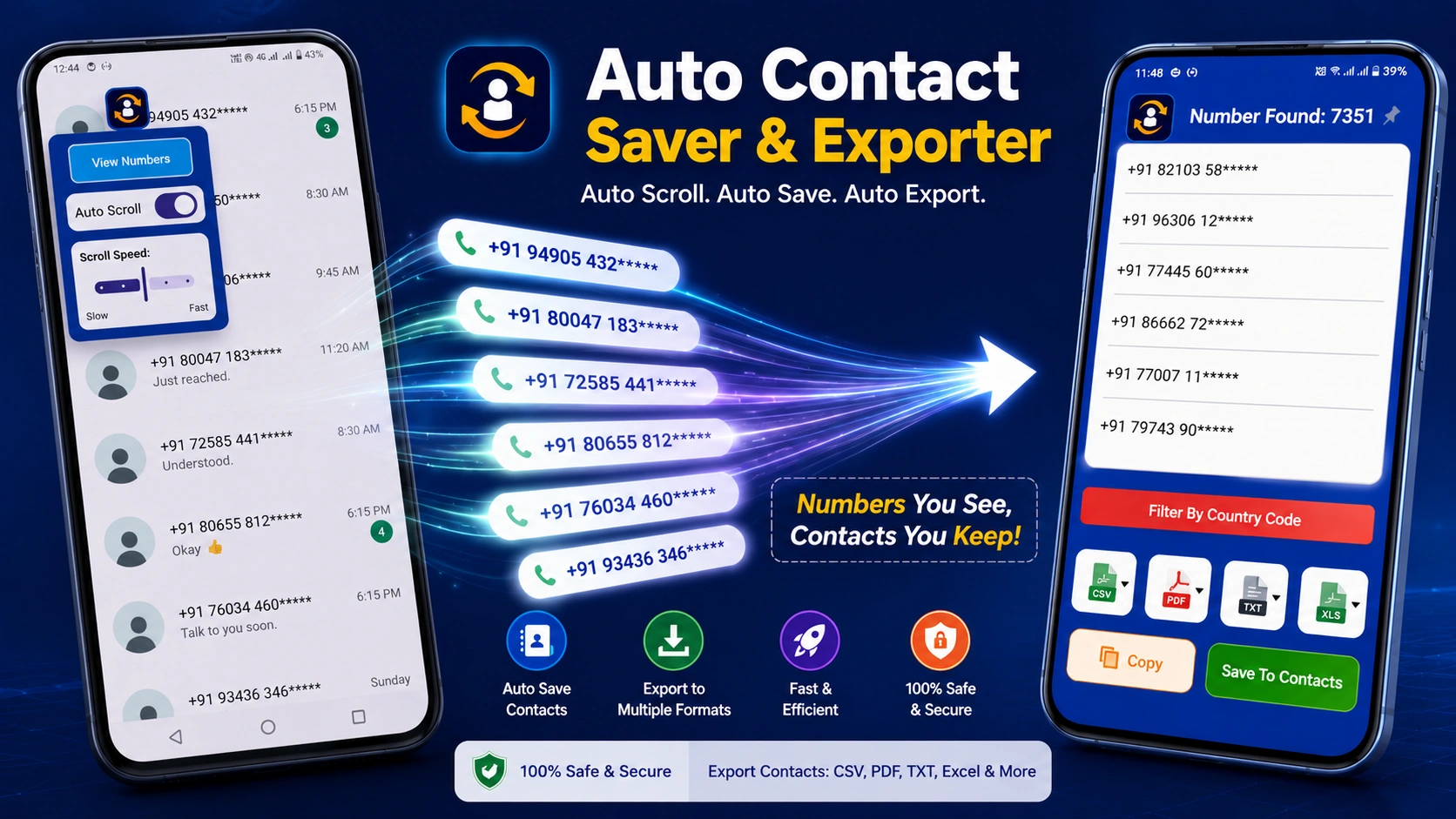
Choose the tool that fits your workflow.
Use Auto Contact Saver wherever you work — on Android or directly from your browser.

Auto Contact Saver
Capture phone numbers, save contacts automatically, scan supported content and export your contacts from your Android device.
- ✓ Automatically detect numbers from apps
- ✓ Automatically export numbers from apps
- ✓ Save multiple contacts instantly
- ✓ Bulk auto contact saver
- ✓ Save numbers from other apps
- ✓ Review & edit before saving
- ✓ Export contacts in CSV, Excel, PDF & TXT
Auto Contact Saver Extension
Capture phone numbers directly from supported websites and browser pages without switching between apps.
- ✓ Automatically detect phone numbers from web pages
- ✓ Automatically collect numbers while browsing
- ✓ Extract multiple numbers from web pages
- ✓ Bulk export detected numbers
- ✓ Review & edit numbers before export
- ✓ Export contacts in multiple formats
- ✓ Fast and simple browser workflow
- ✓ Save or export numbers without manual typing
Choose the plan that works for you
Compare Standard and Premium features and choose the billing period that fits your needs.
Compare Features
See exactly what is included in Standard and Premium.
Choose your billing period
Click any Standard or Premium price to continue.
Prices and available plans may vary by platform or region. Taxes may apply at checkout.
Detect, save and export contacts with less effort.
Automatically collect phone numbers from supported apps and web pages, review them, save contacts in bulk, or export your data in just a few steps.
Automatically Detect
Detect phone numbers from supported apps and web pages without repeatedly copying and pasting numbers manually.
Auto Save in Bulk
Save multiple phone numbers as contacts quickly instead of creating each contact one by one.
Export with Ease
Export detected or saved contact information in CSV, Excel, PDF and TXT formats whenever you need it.
Works Across Apps
Collect phone numbers from supported chat apps, social apps, browsers and other places where numbers are displayed.
Review Before Saving
Preview detected numbers, edit names or numbers, and choose what you want to save before creating contacts.
Faster Workflows
Automate repetitive contact collection and reduce manual steps, making it easier to manage large numbers of phone numbers efficiently.
One simple workflow for collecting and managing contacts.
Detect → Review → Save → Export
Everything you need to manage contacts faster.
From detecting phone numbers to reviewing, saving and exporting contacts, every part of the workflow is designed to stay simple.
Automatic number detection
Detect phone numbers displayed in Any apps and make them available for your contact workflow without manually copying each number.
- Fast detection
- Less typing
- Easy contact workflow
Auto-Sync support
Let the workflow move through supported content automatically so you can collect numbers with fewer repetitive actions.
- Premium
- Hands-free workflow
Preview & edit
Review detected information before saving. Edit names and numbers when you need to make corrections.
Save contacts your way
Choose the account where contacts should be saved and keep your newly created contacts organized.
Bulk contact workflow
Designed for workflows where you need to process multiple phone numbers instead of saving contacts one by one.
Export in the format you need
Take your contact data beyond the app with flexible export options for different workflows, backups and organization.
- CSV
- Excel
- TXT
Built around a simple four-step workflow.
Detect the number, review the contact, save it and export your data whenever you need it.
A simpler way to turn numbers into contacts.
No complicated setup. Follow a straightforward workflow from detection to a finished contact list.
Detect
The app detects phone numbers displayed in supported content and prepares them for your workflow.
Preview
Review the detected number, edit the contact details and make sure everything looks right before saving.
Save
Save the contact to your selected account and keep your newly created contacts ready to use.
Export
Export your contact data to CSV, Excel, PDF or TXT whenever you need a copy outside the app.
Detect. Review. Save. Export. Your contact workflow stays simple.
Take your contacts wherever you need them.
Keep your contact data useful beyond the app with practical export formats designed for different workflows.
One contact list. Multiple ways to use it.
Whether you need a spreadsheet, a printable document or a simple text file, export the contacts you have collected in a format that works for you.
Choose the format that matches your workflow and keep your exported data ready for backup, organization or further processing.
CSV
Great for spreadsheets, data management and importing contact information into other tools.
Excel
Organize your contact data in a familiar spreadsheet format for sorting, filtering and management.
Create a clean document that is convenient to view, share, archive or print when needed.
TXT
Keep a lightweight plain-text copy of your contact information for simple storage and processing.